Your wardrobe, made to measure.
Choose the shape, the dimensions and every detail. The drawing updates as you make your choices. The quote is prepared after we have reviewed the project.
Measurements and type
Enter the measurements and shape of your wardrobe
How to complete this step
In a few minutes you will have your wardrobe drawn up and ready to request a quote. There is no need to be exact: we take the final measurements at your home before anything is made.
- Choose the shape that most closely matches your space.
- Say whether the wardrobe is fitted into an alcove or freestanding.
- Enter the width, height and depth in millimetres (300 cm = 3000 mm). You can also type «240 cm» or «2.4 m».
- Move on to the next step: you can go back whenever you like without losing anything.
Frequently asked questions
- How do I measure?
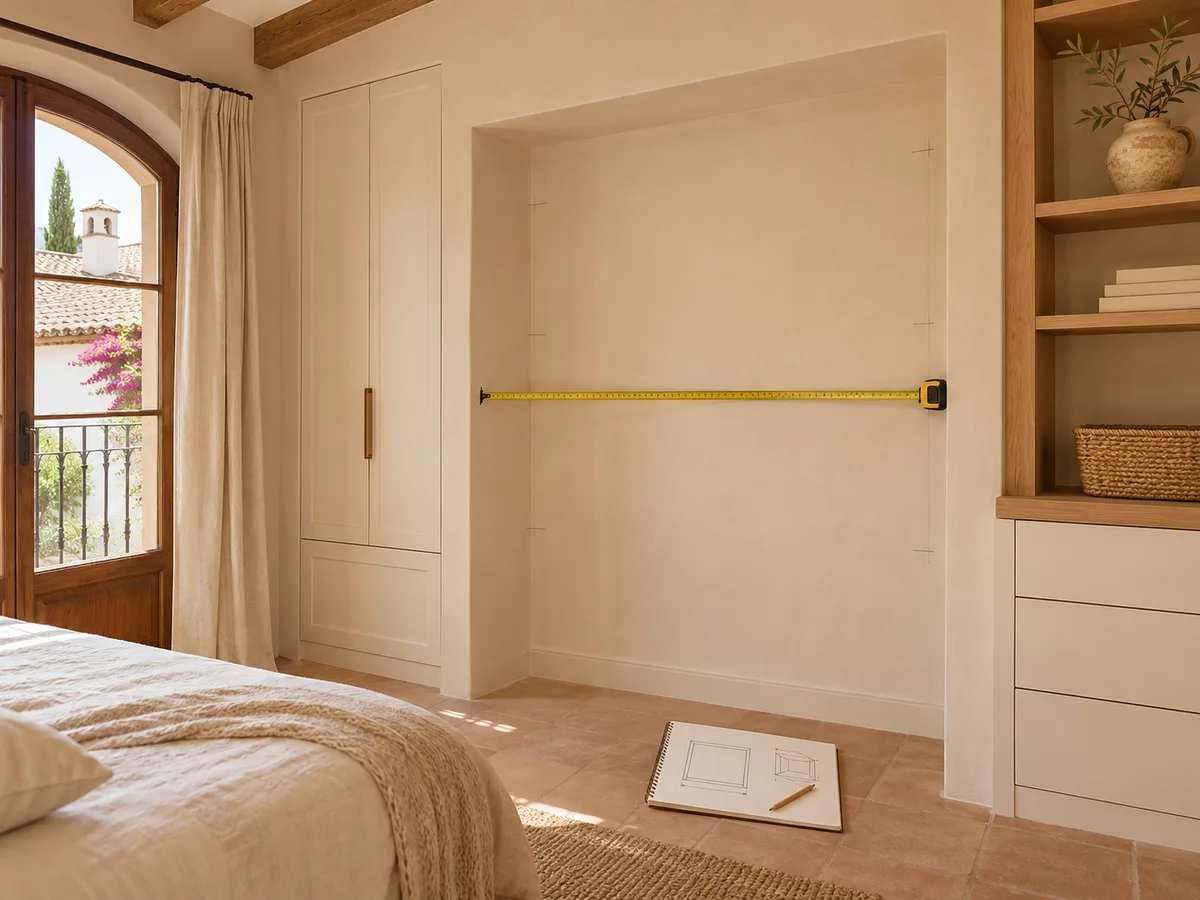
- Measure the width at three points (bottom, middle and top) and the height on the left and on the right, then use the smallest measurement. The depth runs from the back wall to where you want the front of the wardrobe to sit.
- What if I don’t have exact measurements?
- Enter approximate measurements: they are fine for the design and a first idea of cost. We take the final ones at your home, before manufacture.
- Which shape should I choose?
- Straight: along a single wall. Under-stairs or Sloping ceiling: the height changes from one side to the other. Corner / L-shaped or U-shaped: takes up two or three walls. Other shape: you describe it and we look at it with you.
- Fitted or freestanding?
- Fitted: goes between walls; you give the measurements of the alcove and we allow for gaps and trims. Freestanding: the sides are visible; you give the outside measurements of the wardrobe.
- What depth do I need?
- For hanging clothes on hangers, 600 mm is typical. Under the «Depth» field you will see the minimum for hanging with the doors you have chosen.
- How do I enter a sloping ceiling or an under-stairs space?
- Enter the height on the left and on the right, as seen from the front; one of the two can be 0. «Swap sides» switches them over.
These measurements are a starting point. Enter your own or confirm that they match your space.
Measurements
From side to side, along the front. In mm: 300 cm = 3000 mm.
From the floor to the ceiling or to the top of the wardrobe.
From the front to the back wall.To hang clothes with sliding: minimum depth 596 mm.
3 sections · 3,000 mm
Special features (optional)
Example values: change them to your own measurements.
Would you rather we went through it with you? Tell us about your project.
How the configurator works
Configuring your wardrobe takes just a few minutes and is done in short steps. First you tell us what kind of wardrobe you are after and the space you have. Then you choose how it opens and how it is organised inside, and finally you review the summary before sending it.
You can correct each step as you go. If you change your mind about the doors, you don't have to start from scratch: go back, adjust and carry on. What you see in the final summary is exactly what will reach the team.
Measurements and type of wardrobe
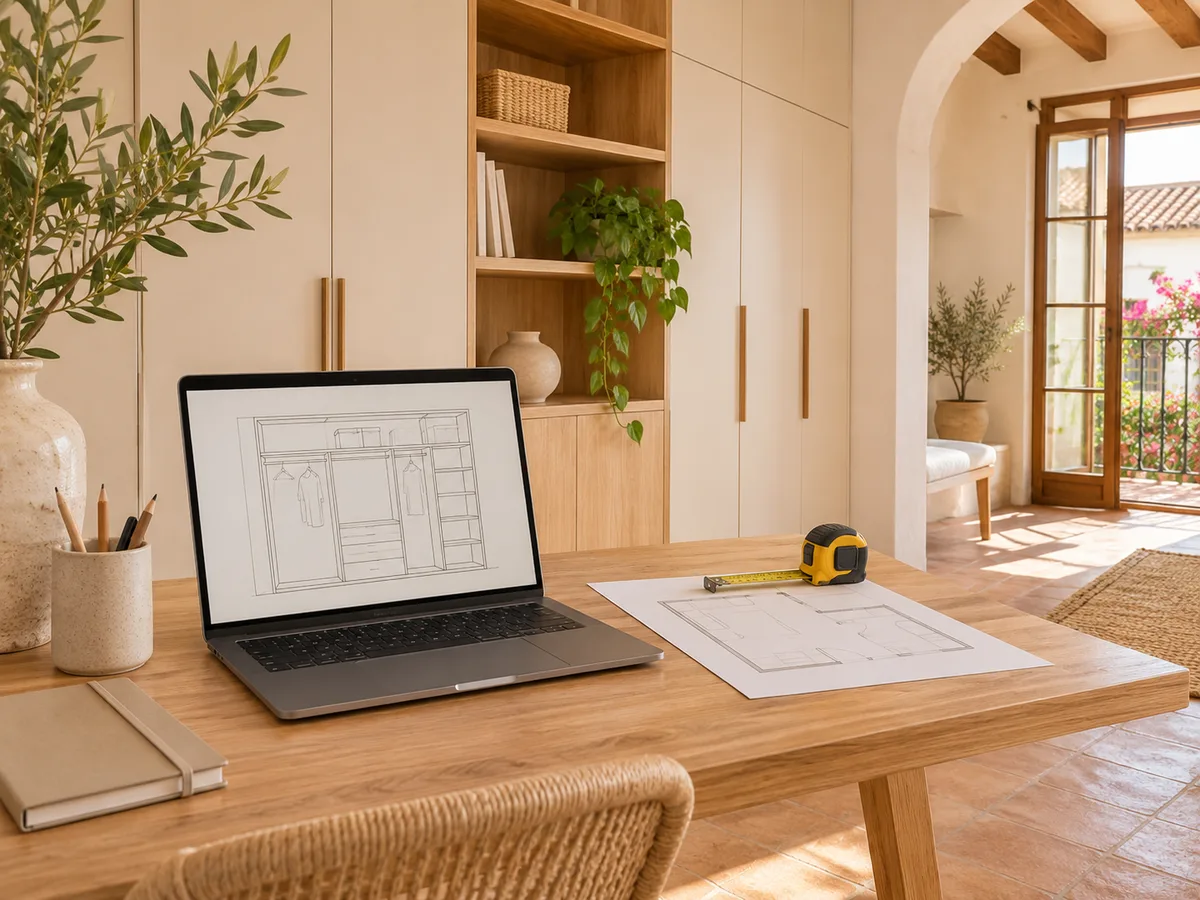
The first step asks for the width, height and depth of the space. Approximate measurements are enough to get started: a tape measure and a few minutes by the wall are all you need. Measure in several places too, because in many homes in Lucena the walls are not perfectly plumb.
If you are not yet sure whether a fitted wardrobe, a freestanding one or a walk-in wardrobe suits you best, just write down what you have in mind. Later on, in your home, the numbers are confirmed with a measuring visit.
Have you already measured the space?
Send us a photo and the approximate measurements on WhatsApp and we'll give you some initial guidance.
Doors and interior
- 01
Here you decide whether you prefer sliding or hinged doors and how you want to divide up the space: hanging rails, shelves, drawers, shoe racks. Think about what you really store and when in the day you use it.
- 02
It helps to be clear about what should sit within easy reach and what can go in the top cupboard. A well-planned interior layout matters more in everyday use than any decorative detail.
What happens when you send the design
When you finish, the configurator prepares your design and sends it via WhatsApp along with your contact details. You can add photos of the space and a comment if you want the team to see something specific.
The team reviews the configuration and replies with an indicative price, which is a first guide based on what you have chosen. Then, if it suits you, the measuring visit is arranged. That visit costs €50 if you end up not ordering the wardrobe and is free if you go ahead.
If you prefer another route
You don't need to use the configurator to ask for information. If you already know what you need, or would rather describe it in your own words, you can go straight to request a quote. You can also write from the contact page and share your idea without going through the steps.
To understand how the process continues once your design has been received, how we work gives you the full journey, from the estimate through to manufacture.
Questions
Frequently asked questions about wardrobes in Lucena
Does the configurator show a price on screen?
No. It is used to prepare the design and send it. The team gives you the indicative price after reviewing your configuration.
Do I need to know the exact measurements?
No. Approximate measurements are enough to get a first idea. The final figures are taken with a tape measure in hand, at your home.
Can I change the design after sending it?
Yes. Talk to the team on WhatsApp and tell them what you would like to change. The proposal is adjusted before moving on to the measuring visit.
Can the configurator also be used for a walk-in wardrobe?
Yes. You choose it in the first step, just like a fitted wardrobe or a freestanding one.
Your idea is the first step.
Would you like us to go over your wardrobe with you? Tell us what you need and we'll agree the details during the visit.
If you've already put your design together, use "Send project via WhatsApp" in the configurator to share your selections.